Foxit Uninstaller
Summary
This script removes specified Foxit applications using the Remove Application framework. Select which products to uninstall via user parameters:
- Foxit PDF Editor
- Foxit PhantomPDF
- Foxit PDF Reader
Sample Run
Uninstall Foxit PDF Editor
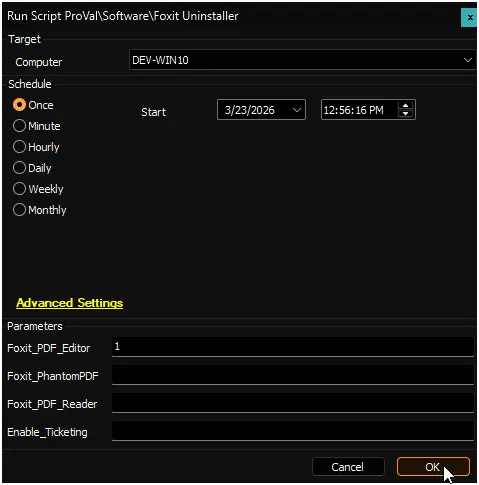
Uninstall Foxit PDF Editor, Foxit PhantomPDF and create ticket on failure
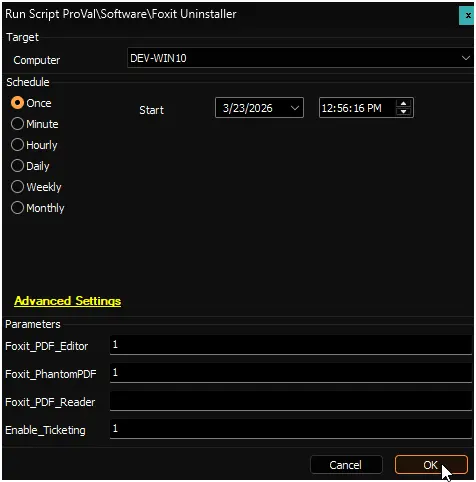
Uninstall Foxit PDF Editor, Foxit PhantomPDF, and Foxit PDF Reader
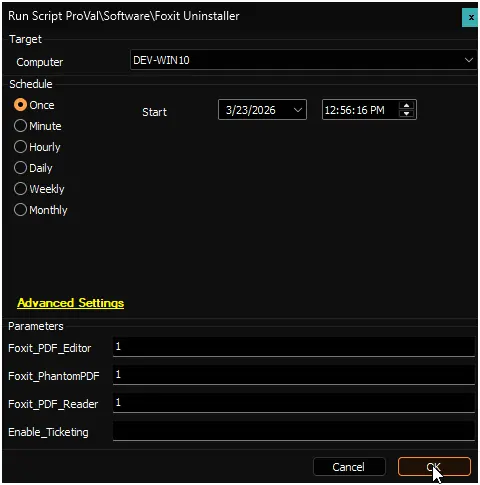
Dependencies
User Parameters
| Name | Example | Mandatory | Description |
|---|---|---|---|
| Foxit_PDF_Editor | 1 | Partially | Set to 1 to uninstall Foxit PDF Editor |
| Foxit_PhantomPDF | 1 | Partially | Set to 1 to uninstall Foxit PhantomPDF |
| Foxit_PDF_Reader | 1 | Partially | Set to 1 to uninstall Foxit PDF Reader |
| Enable_Ticketing | 1 | False | Set to 1 to create a ticket if the uninstallation fails. |
Output
- Script Logs
- Log file on the end machine
- Ticket (if enabled)
Ticketing
Subject: Application Removal - Failed - %COMPUTERNAME%
Summary:
The script attempted to remove the provided list of application(s) from the computer, but it failed. Initially, the following application(s) were identified as installed out of the provided list:
<Comma Separated Name(s) of the application(s) from the provided list installed initially on the computer>
However, the removal process failed for the following application(s):
<Comma Separated list of the application(s) from the provided list that Automate failed to remove from the computer>
In addition to the primary removal script (Remove-Application.ps1), alternative uninstallation methods utilizing uninstall strings stored in Automate were also employed. Despite this, the script failed to remove all specified application(s).
Please refer to the attached log contents for further investigation. A manual review is required to identify the cause of the failure.
Comment:
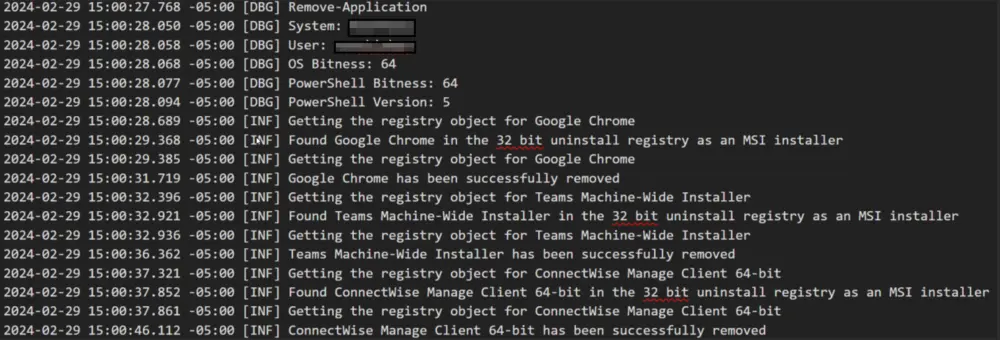
<Contents of the log file generated by the PowerShell Script>
Example:
Changelog
2026-03-23
- Initial version of the document