Video Ports and Monitor Usage Detection
Overview
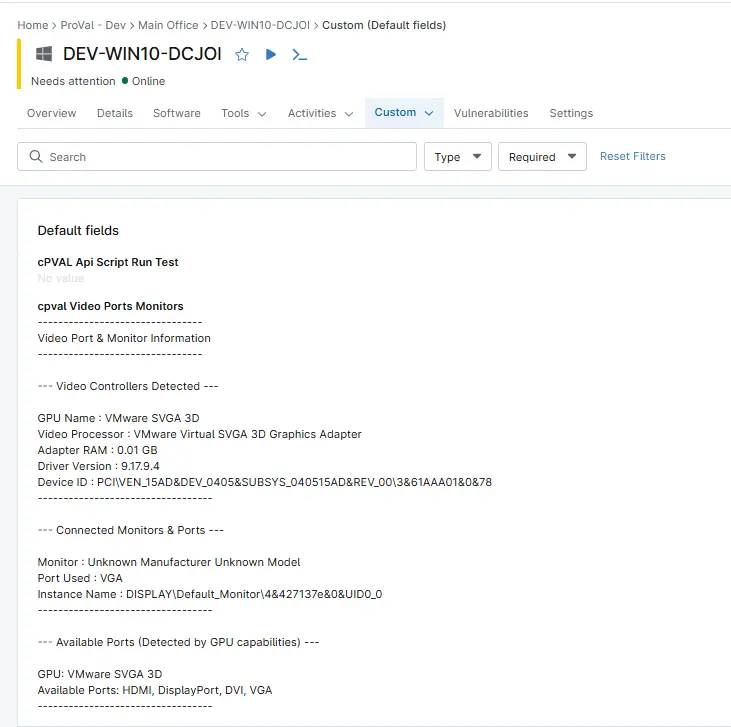
This script collects and displays information about the system’s video controllers (GPUs), including their names, memory size, and driver versions. It also detects which monitors are currently connected and identifies the type of video port they are using (like HDMI, DisplayPort, VGA, etc.). Additionally, it lists commonly available video ports based on GPU capabilities and displays all these data in the Custom Field cPVAL Video Ports Monitors
Sample Run
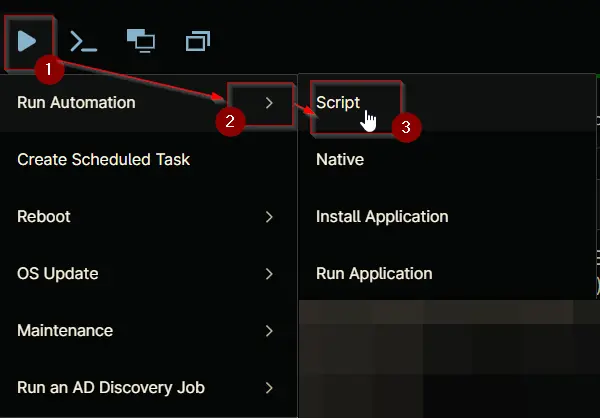
Play Button > Run Automation > Script
Dependencies
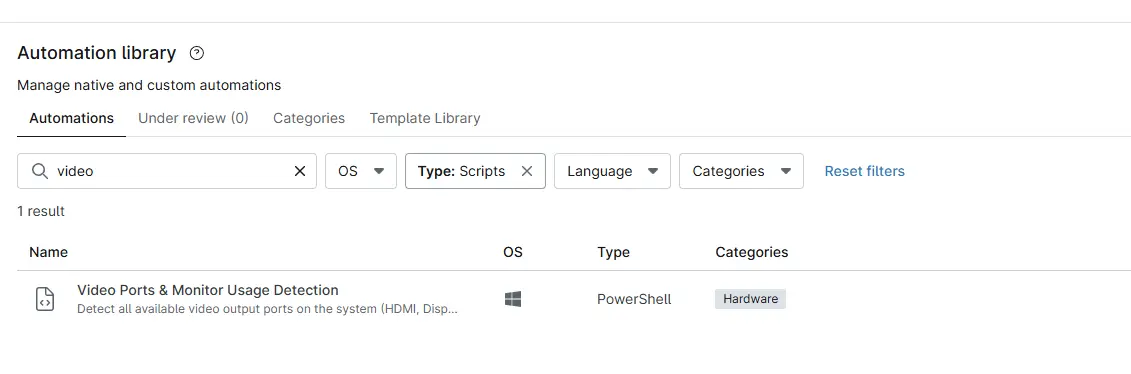
Automation Setup/Import
Output
- Activity Details
- Custom Field
- Custom Field example:
Changelog
2026-08-31
- Updated the monitor port detection logic to correctly map VideoOutputTechnology values to their corresponding connection types, including HDMI, DVI, VGA, DisplayPort, Miracast, and Internal.
2025-10-29
- Initial version of the document