Get Local Administrators
Summary
This task lists the local administrators on windows machine and stores the result in a custom field Local Admins List.
Sample Run
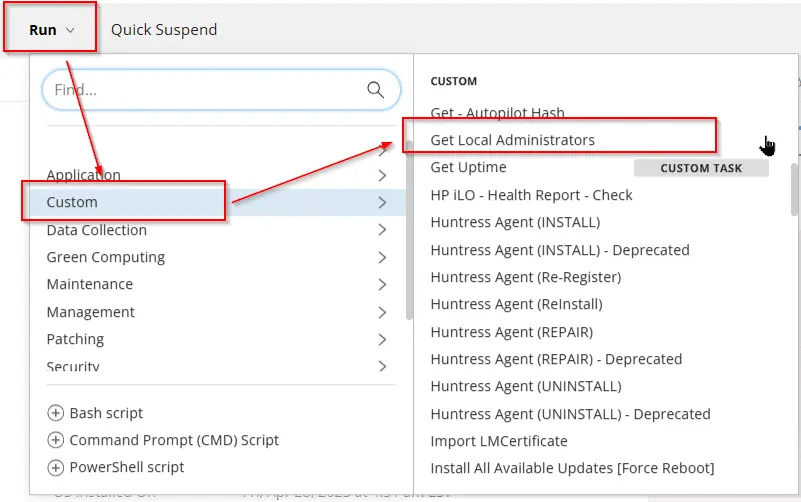
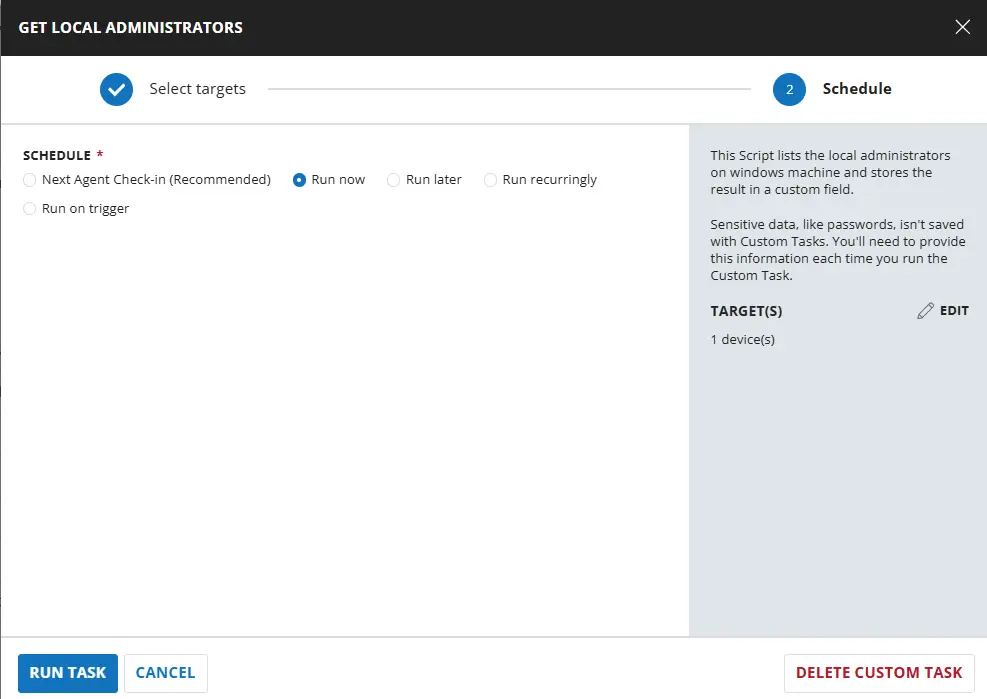
Dependencies
Task Creation
Script Details
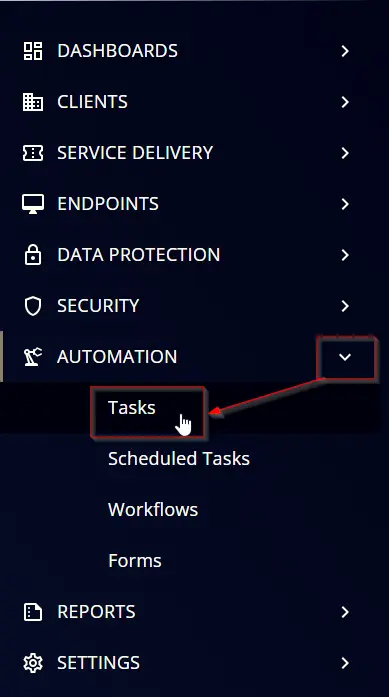
Step 1
Navigate to Automation ➞ Tasks
Step 2
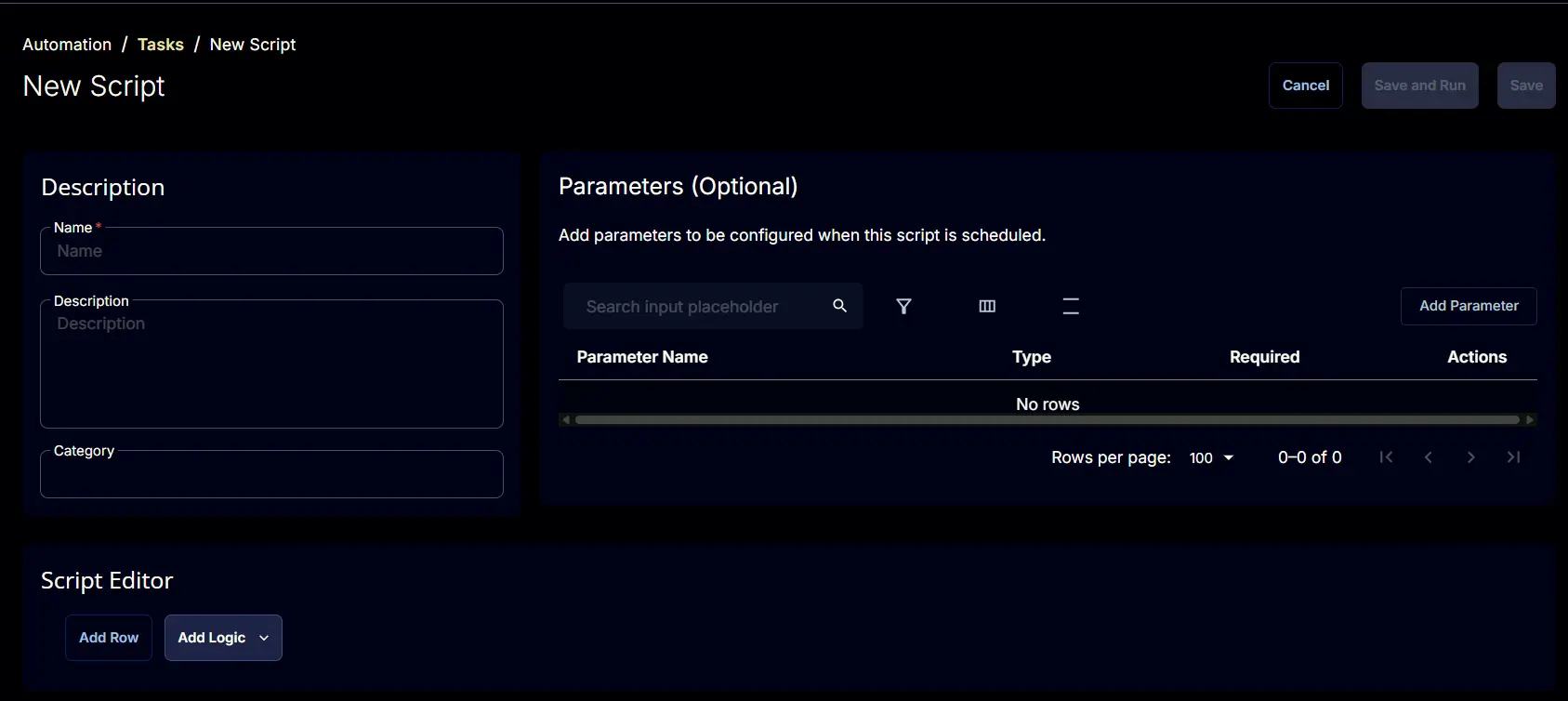
Create a new Script Editor style task by choosing the Script Editor option from the Add dropdown menu

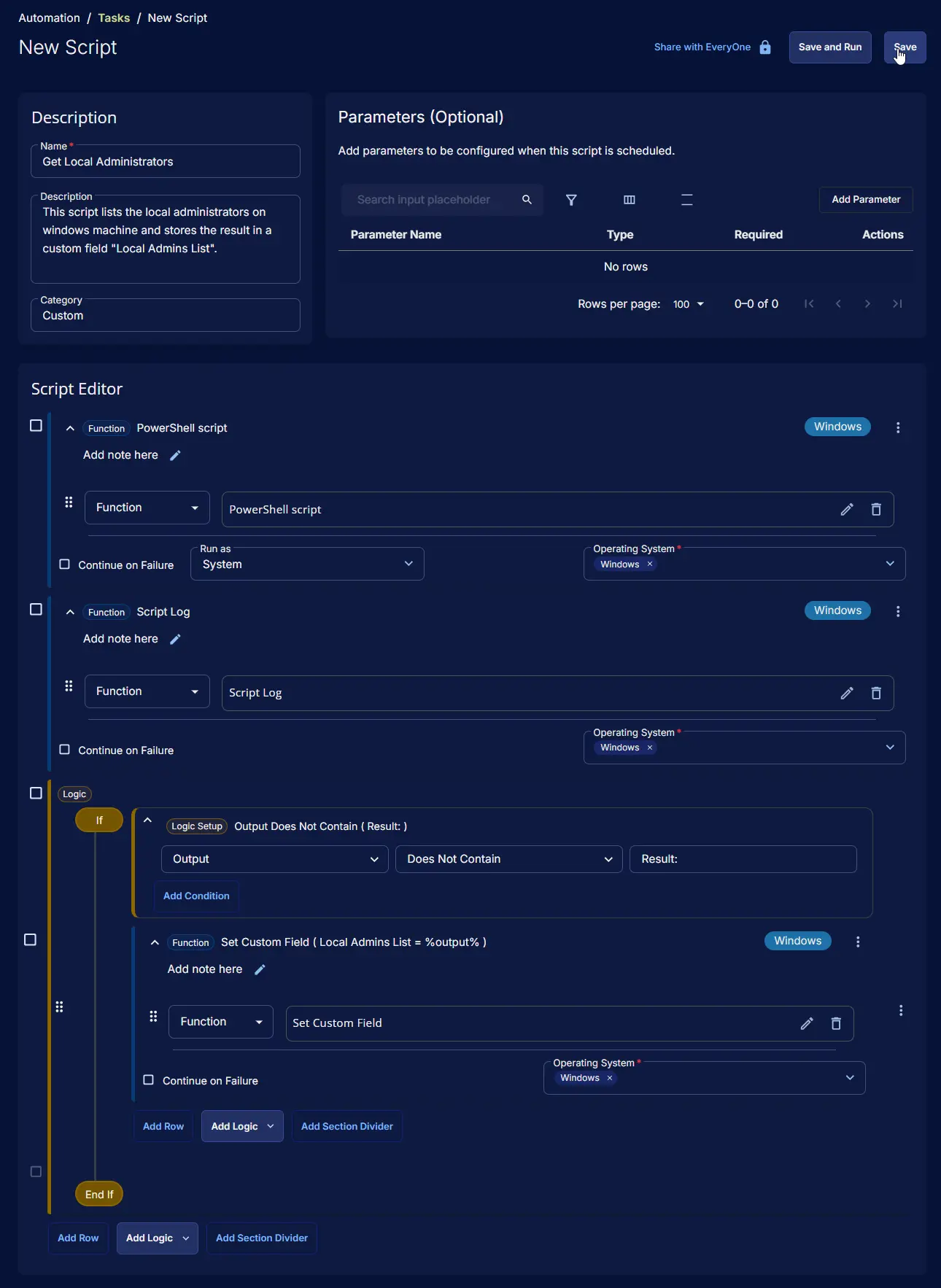
The New Script page will appear on clicking the Script Editor button:
Step 3
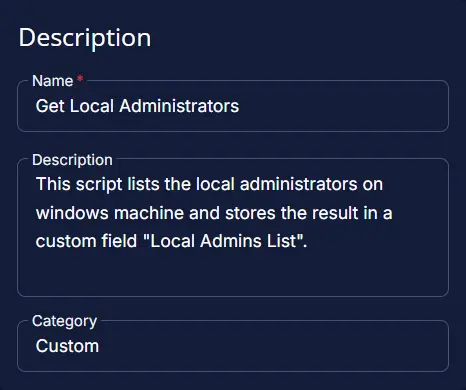
Fill in the following details in the Description section:
- Name:
Get Local Administrators - Description:
This script lists the local administrators on windows machine and stores the result in a custom field "Local Admins List". - Category:
Custom
Script Editor
Click the Add Row button in the Script Editor section to start creating the script

A blank function will appear:

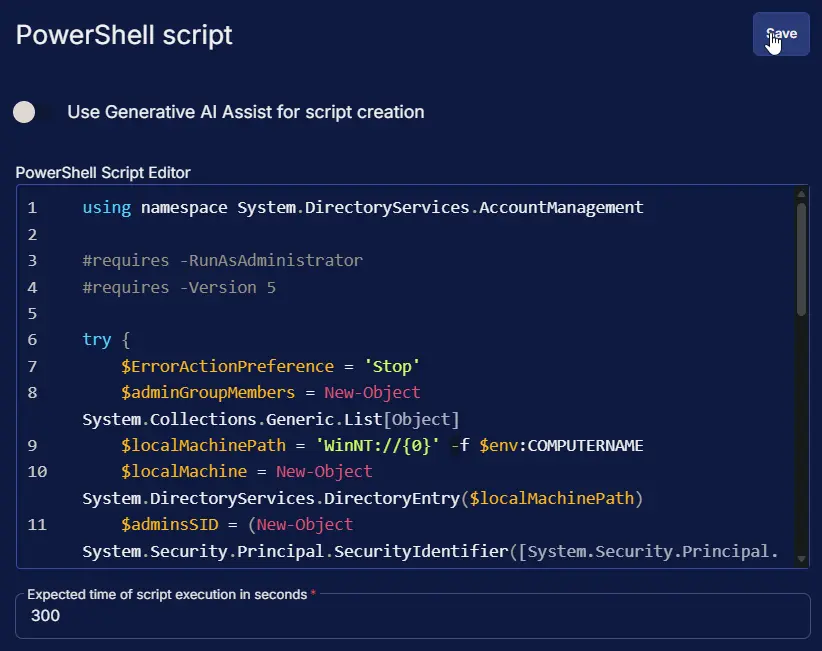
Row 1 Function: PowerShell script
- Use Generative AI Assist for script creation:
False - Expected time of script execution in seconds:
900 - Operating System:
Windows - Continue on Failure:
True - PowerShell Script Editor:
Row 2 Function: Script Log
- Script Log Message:
%Output% - Continue on Failure:
False - Operating System:
Windows

Step 3 Logic: If/Then
Click on Add Logic > select If/Then
Row 3a Condition: Output Contains
- Condition:
Output - Operator:
Does not Contain - Input Values:
Result:

Row 3b Function: Set Custom Field
- Select
Local Admins Listfrom dropdown - Add
%output%in the Value

Save Task
Click the Save button at the top-right corner of the screen to save the script.

Completed Task
Output
- Script Log
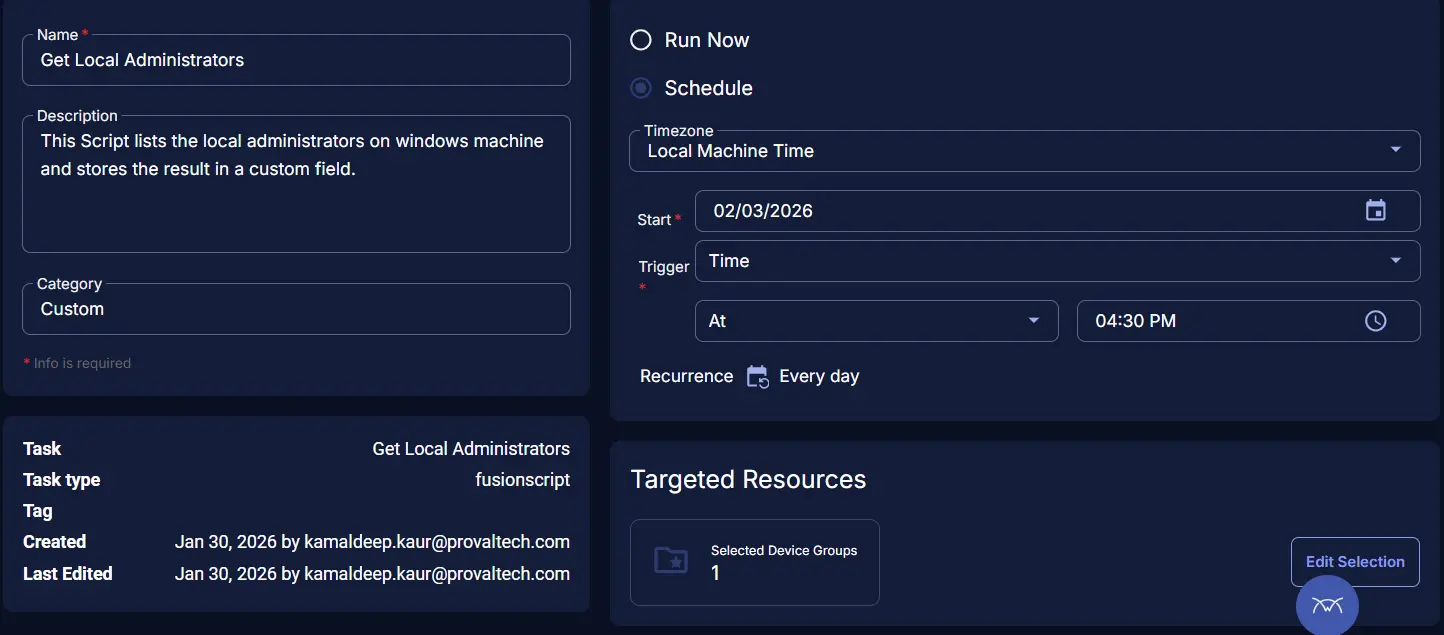
Schedule Task
Task Details
- Name:
Get Local Administrators - Description:
This script lists the local administrators on windows machine and stores the result in a custom field "Local Admins List". - Category:
Custom

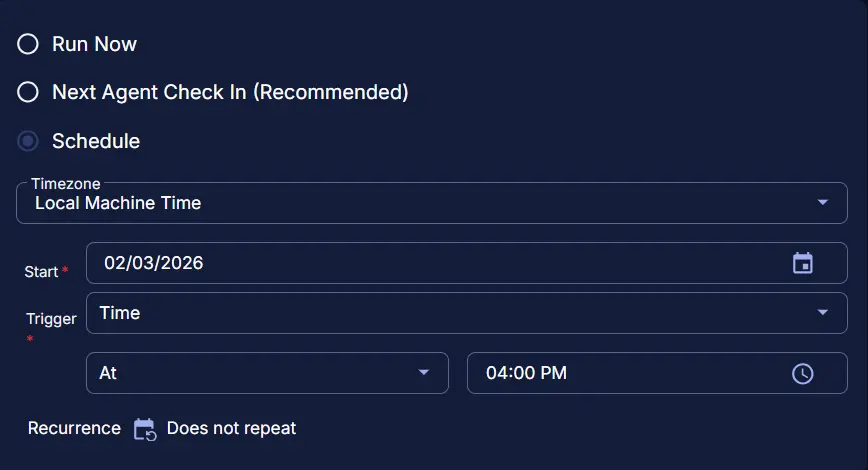
Schedule
- Schedule Type:
Schedule - Timezone:
Local Machine Time - Start:
<Current Date> - Trigger:
TimeAt<Current Time> - Recurrence:
Every day
Targeted Resource
Device Group: Machines Opted for Local Admin Detection

Completed Scheduled Task
Changelog
2026-03-26
- Updated the script to function independently of the system's OS language settings.
2026-01-30
- Initial version of the document