AR_Ticket_Number
Summary
Written by the Auto Retire Offline Devices bot. Holds the number of the ticket raised for the device in ticket-only mode. At each run, the bot checks that ticket before raising another one.
| Stored ticket | What happens at the next run |
|---|---|
| Open (any status other than Closed or Resolved) | Nothing. No new ticket is raised. |
| Closed or Resolved | A new ticket is raised if the device is still past its threshold and still in ticket-only mode, and its number replaces the old one. |
| Not found | A new ticket is raised. |
Dependencies
- Solution: Auto Retire Offline Devices
- Bots: Auto Retire Offline Devices
- Custom Field: AR_Ticket_Only
- Custom Field: AR_Last_Result
Custom Field Setup Location
Custom Fields Path: SETTINGS ➞ Custom Fields
Details
| Name | Description | Level | Type | Help Text | Default Value | Editable |
|---|---|---|---|---|---|---|
| AR_Ticket_Number | Number of the ticket Auto Retire raised for this device in ticket-only mode. Written by the Auto Retire bot. | Endpoint | Text Box | Do not edit. No new ticket is raised for this device while this ticket is open. | No |
Don't edit this field. If you close a ticket while the device stays offline, a new ticket is raised at the next run. To stop the tickets for a device you want to keep, set AR_Enable_Endpoint to Disabled. To have the device removed, set AR_Ticket_Only_Endpoint to Disabled.
If the number can't be written, the bot finds the open ticket by its summary at the next run and stores it then, so the device doesn't get a second ticket.
Implementation
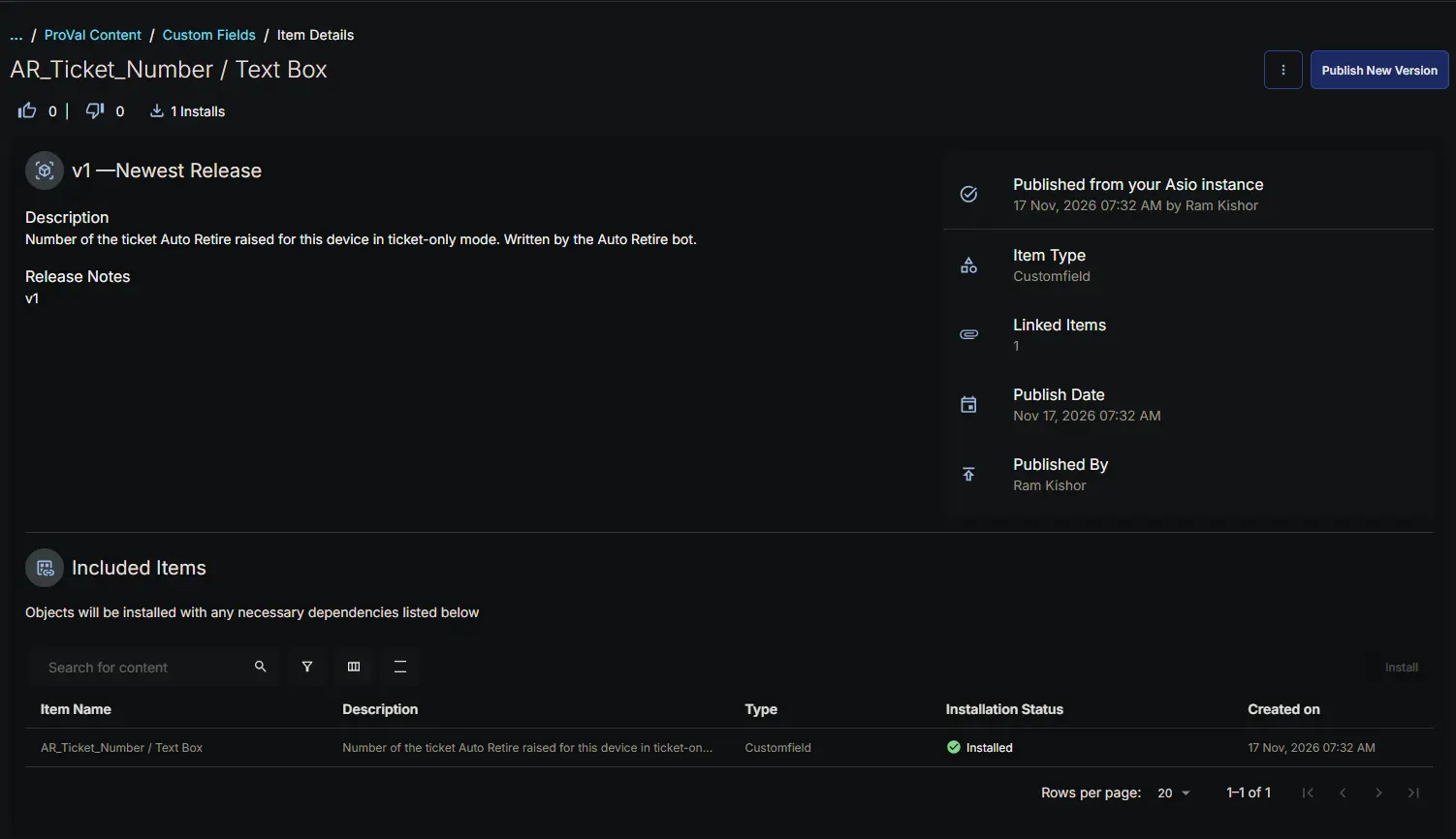
Install the custom field from the ProVal - Content Community, selecting the Custom Fields repository.
Changelog
2026-11-17
- Initial version of the document