Get-AutopilotHash
Summary
This the RMM version of Automate script Get-AutopilotHash. It retrieves the Hardware Hash required for Autopilot device registration.
Note: The Hardware Hash cannot be stored in a custom field due to character limitations. Check the script logs to view the Hash key of a device.
Sample Run
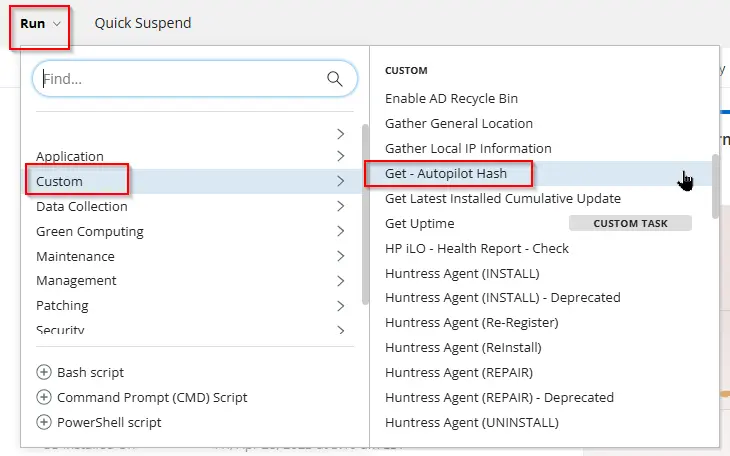
Task Creation
Create a new Script Editor style script in the system to implement this task.
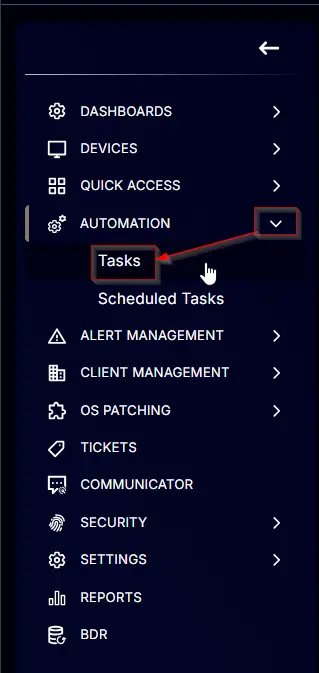

Name: Get - Autopilot Hash
Description: This task retrieves the Hardware Hash for Autopilot device registration.
Category: Custom

Task
Navigate to the Script Editor section and start by adding a row. You can do this by clicking the Add Row button at the bottom of the script page.

A blank function will appear.

Row 1 Function: CMD Script
Search and select the Command Prompt Script function.

The following function will pop up on the screen:
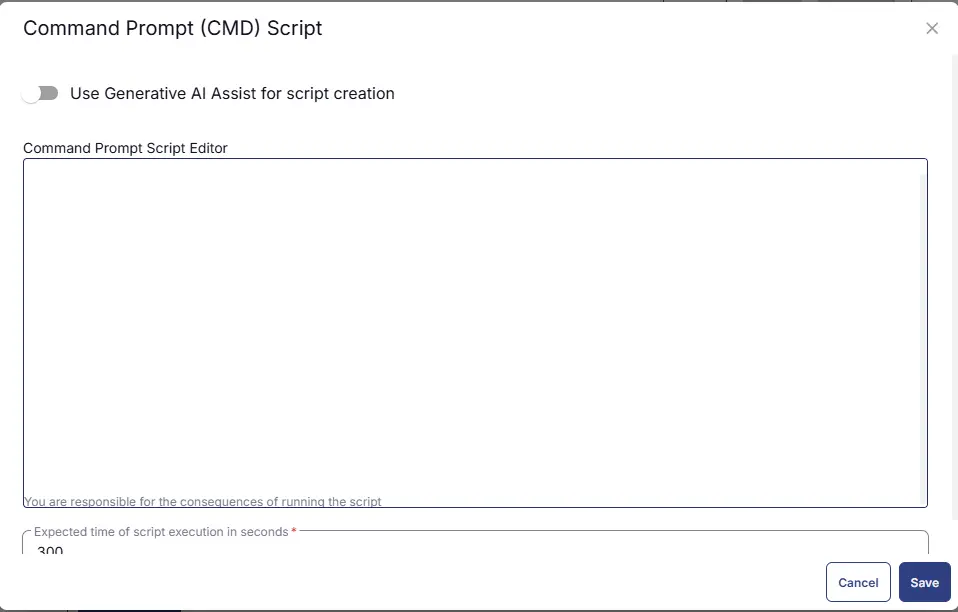
Paste in the following Command and set the expected time of script execution to 300 seconds. Click the Save button.
Row 2: Function: Script Log
In the script log message, simply type %output% so that the script will send the results of the PowerShell script above to the output on the Automation tab for the target device.

Completed Task

Output
- Script Logs
Changelog
2025-04-10
- Initial version of the document